





Little paws. Big days.
A quiet countdown calendar for iPhone and Android. A storybook puppy keeps you company until the day arrives: a birthday, a trip, a reunion, a new beginning.



Inside PupCal
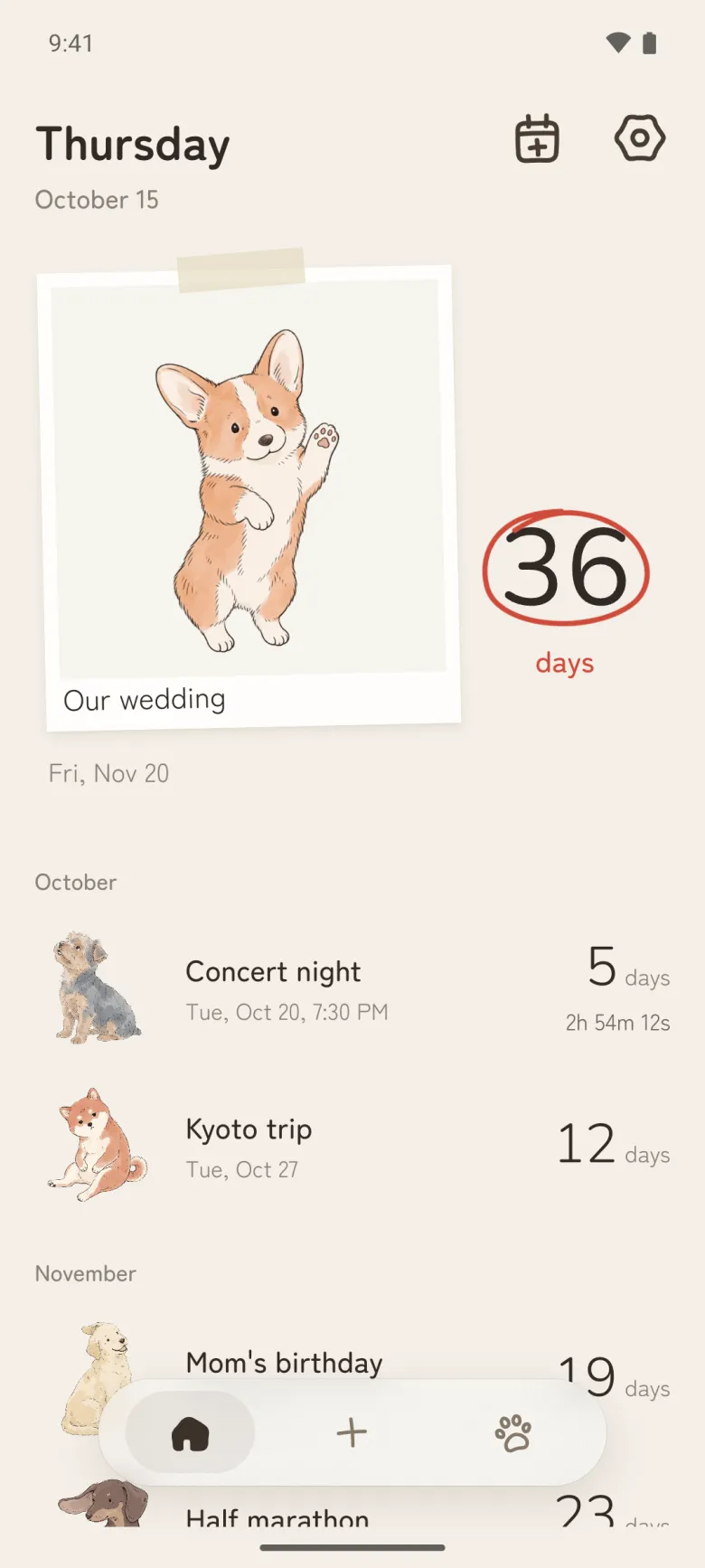
Every day you're waiting for, on one page
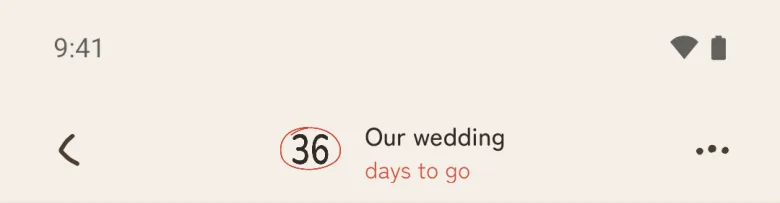
The nearest day sits on top with its count circled in red. The rest follow by month, each with its own pup.
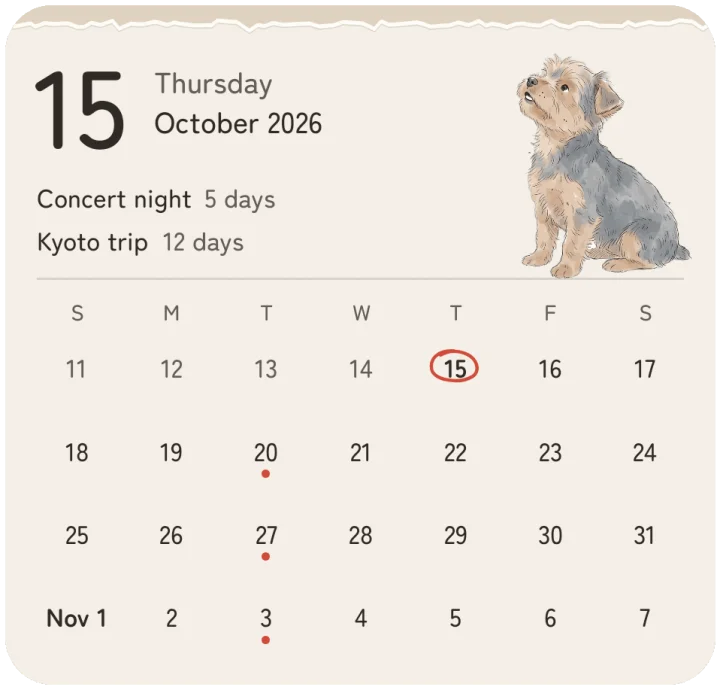
And on your Home Screen
Eight free widgets keep the count where you look all day. Tap the pup and it changes its pose.
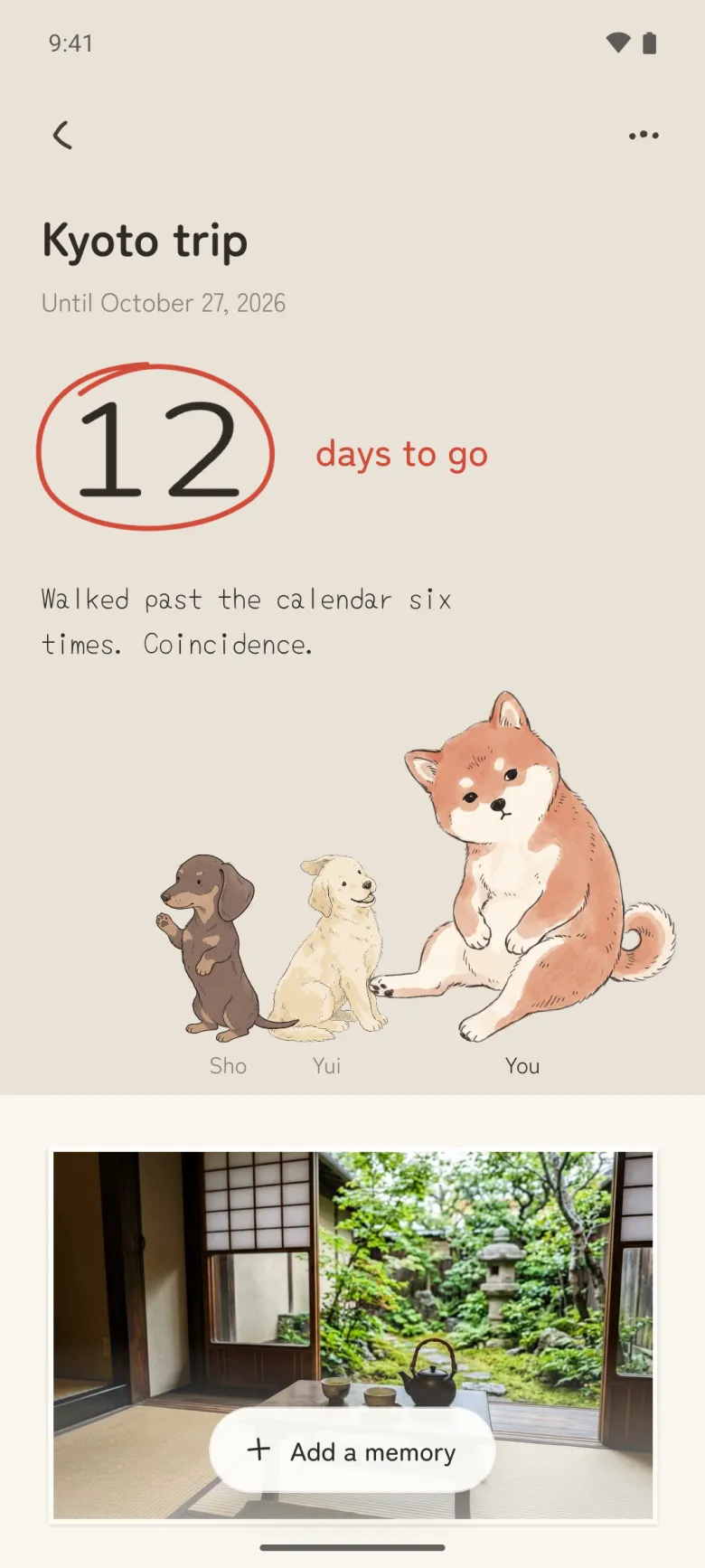
Open a day and someone's waiting
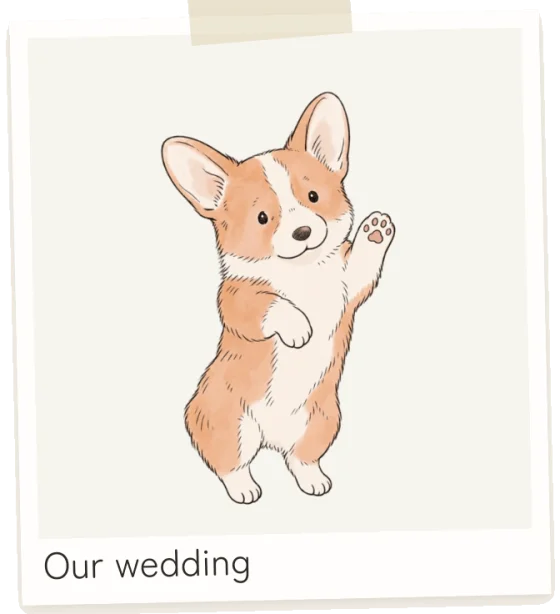
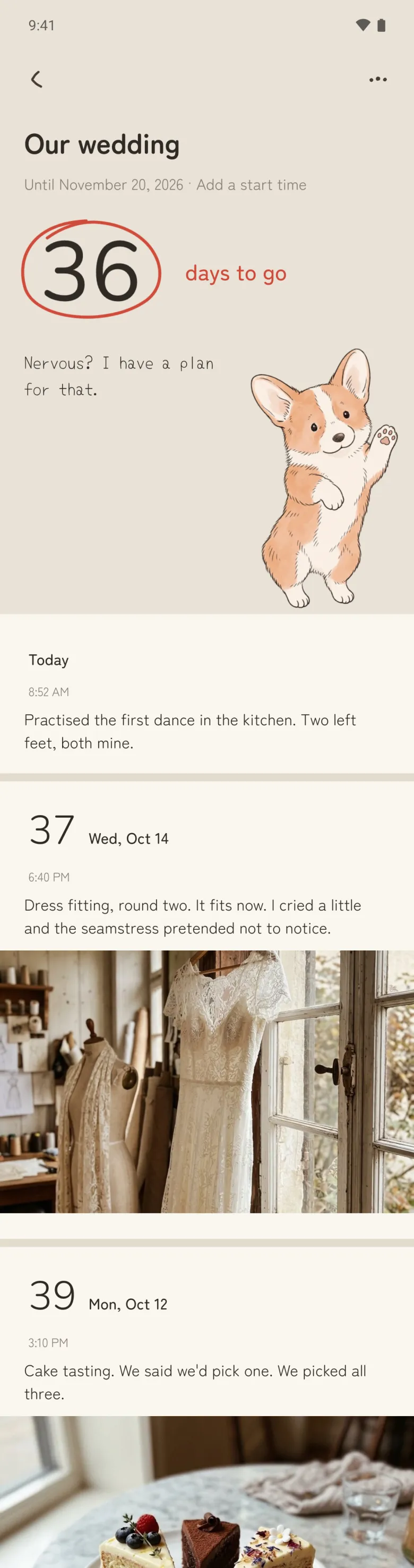
The days left, circled in red pen, and a pup with something to say. A different line each time you open it.
Keep a note for the days on the way
A line, a photo or a short video for any day. The weeks before the big one turn out to be worth keeping too.
Count down with the people you're waiting with
Invite up to seven people to one day. Everyone brings their own pup and adds notes and photos to the same page.
Countdowns
Every day you're waiting for, on one page
The nearest day sits on top with its count circled in red. The rest follow by month, each with its own pup.
Widgets
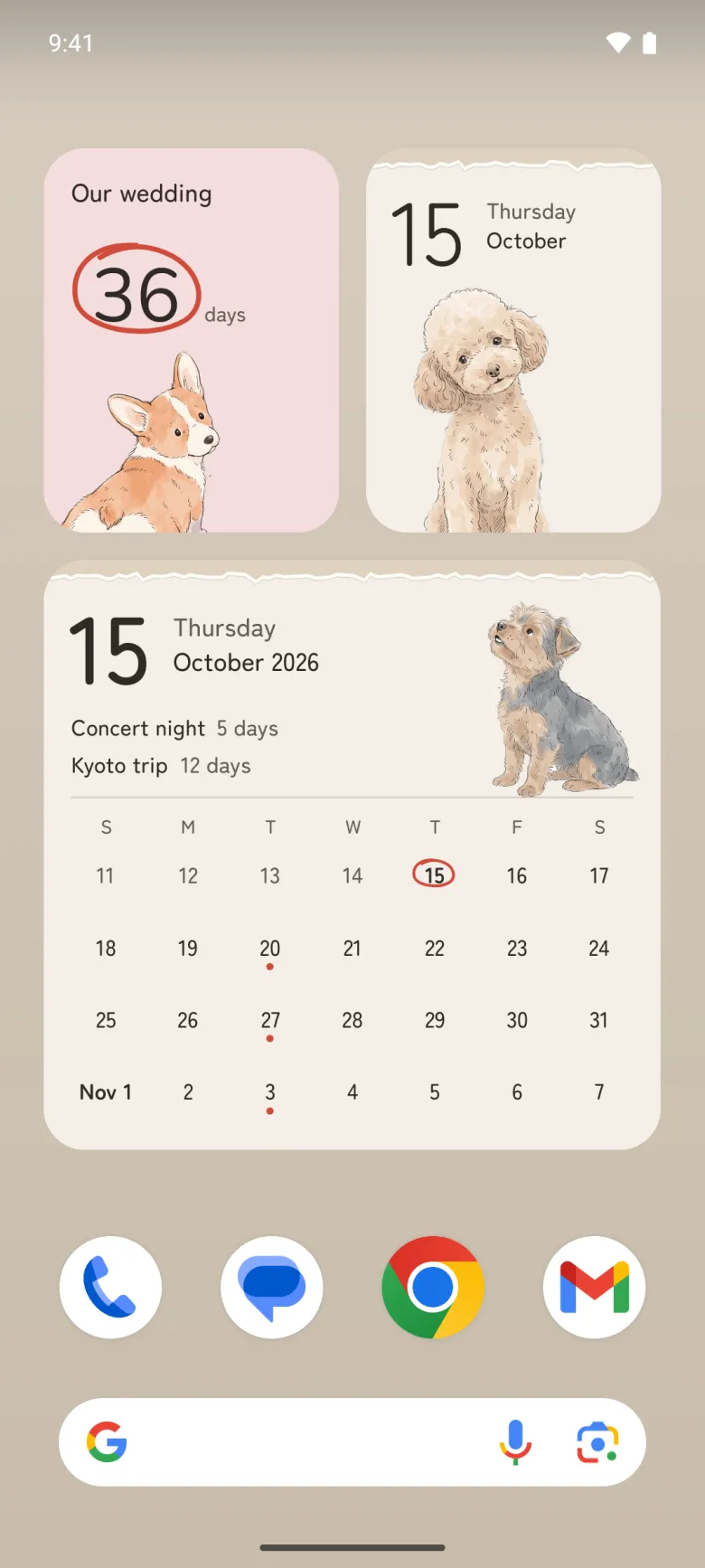
And on your Home Screen
Eight free widgets keep the count where you look all day. Tap the pup and it changes its pose.
A day
Open a day and someone's waiting
The days left, circled in red pen, and a pup with something to say. A different line each time you open it.
Notes
Keep a note for the days on the way
A line, a photo or a short video for any day. The weeks before the big one turn out to be worth keeping too.
Shared days
Count down with the people you're waiting with
Invite up to seven people to one day. Everyone brings their own pup and adds notes and photos to the same page.

Count down to the days that matter
A one-time countdown, a birthday that comes back every year, or an anniversary that counts the days you've had together. Today is day zero. The pup takes it from there.

Dream trip 66days to go
Until Nov 16, 2026
––:––:––

Dad's birthday 12days to go
Sep 23, every year

Our first walk 431days together
Since Jul 7, 2025
Eight widgets, all free
One day or three, a month at a glance, or just today with a pup beside it. Every layout is free on iPhone and Android, weeks can start on Sunday or Monday, and on every widget but the smallest a tap on the pup changes its pose without opening the app.
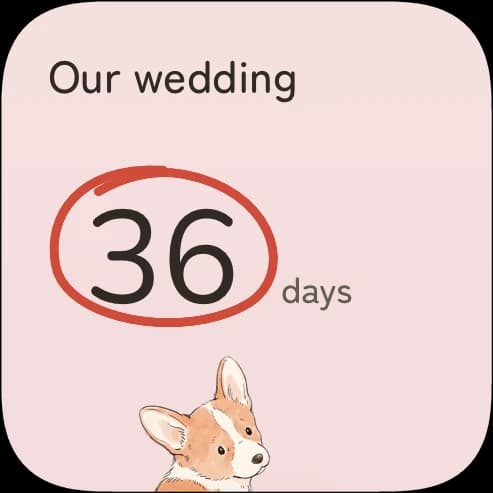
One little day 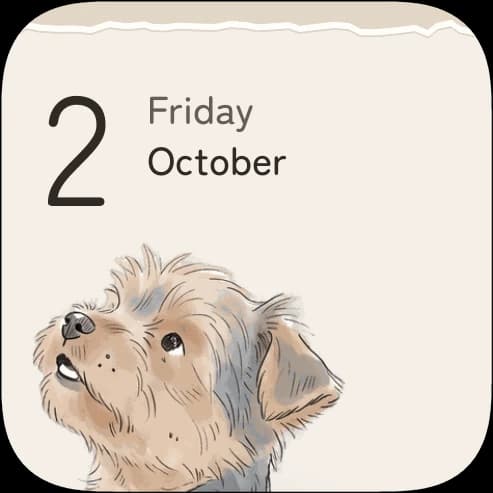
Hello, today 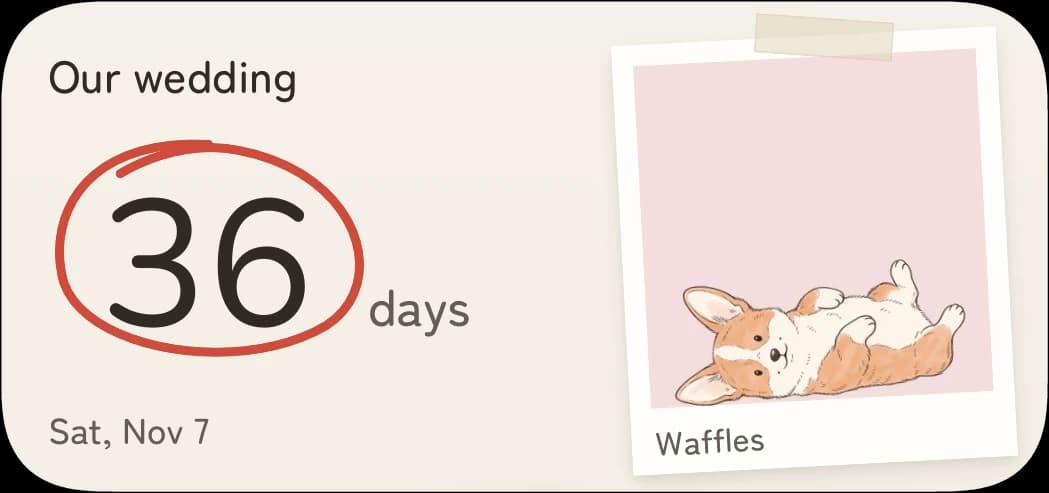
Your next big day 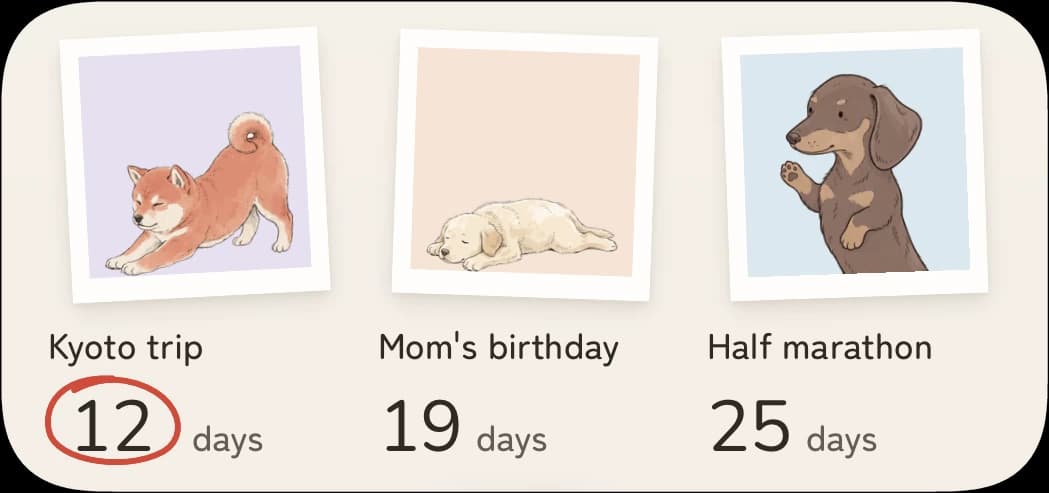
Three good things 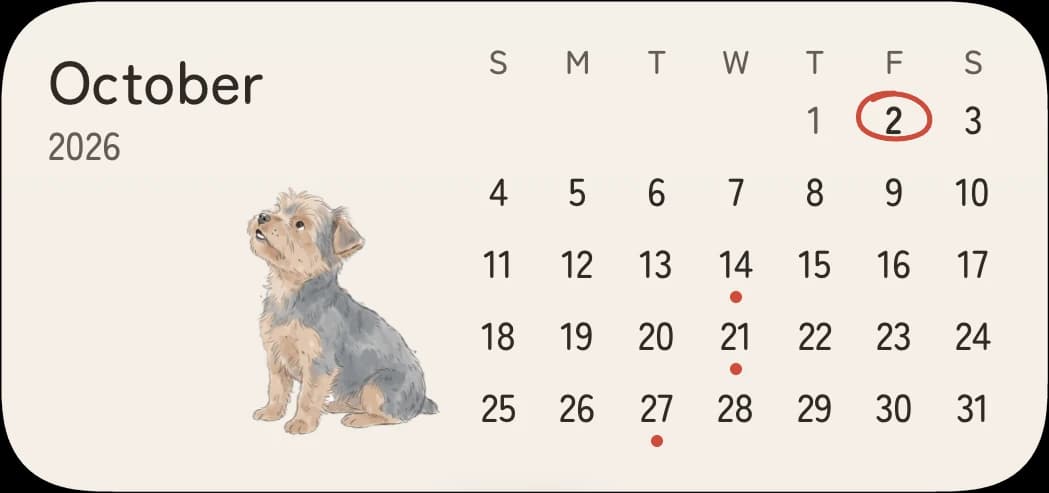
A month of possibilities 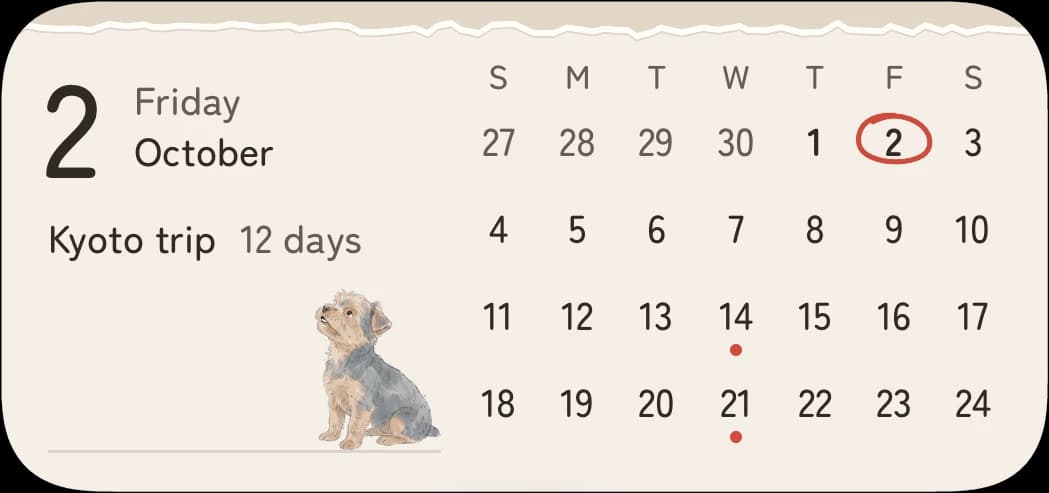
Today & this month 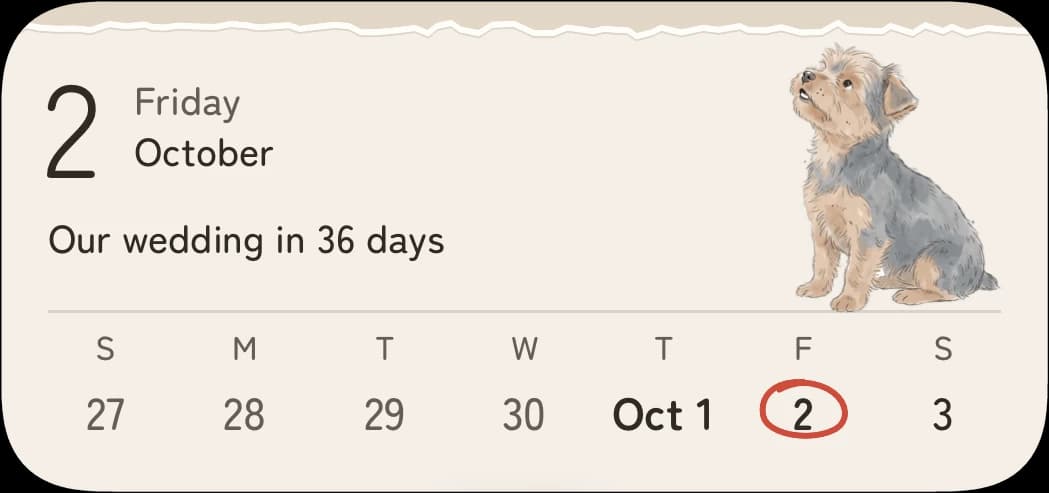
A lovely little week
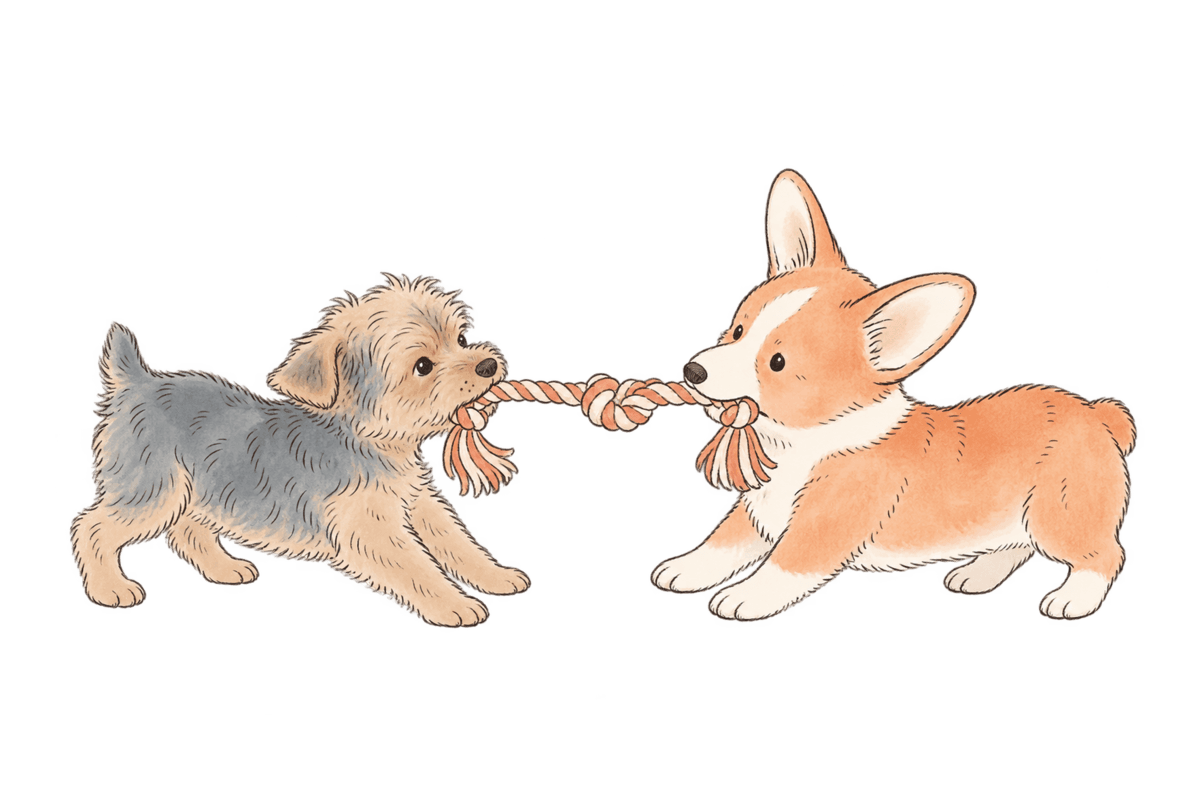
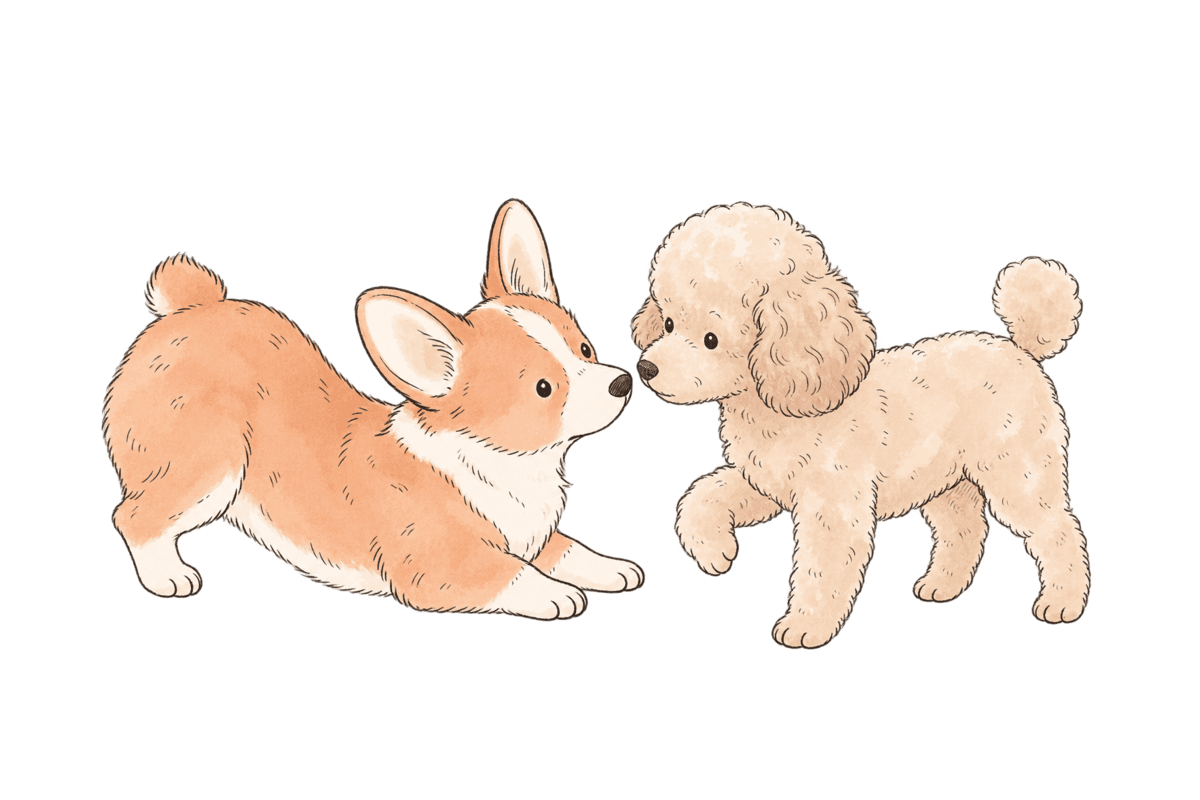
Everyone has something to say
Button comes with the app and costs nothing. Every pup has ten poses and settles into a new one each morning, and thirty lines in English and thirty in Japanese, a different one each time you open a day. Tap Mochi for another mood.
Tap Mochi for another little mood
tilting his head
- Free
Button
Yorkie

I've reviewed the situation. The big day is on schedule.
Two kilos. Runs the household like a company. You are her intern.
- US$2.99
Mochi
Shiba

I wasn't waiting. I just happened to be by the door.
Not counting the days. Knows it's seventeen days and four hours.
- US$2.99
Waffles
Corgi

I made us a list. There are fourteen possible outcomes.
Starts the packing list 47 days out. Packs emergency snacks for the emergency snacks.
- US$2.99
Honey
Golden retriever

We get to wait together. That's already part of the good thing.
Awake before you on the big day. Always the first to be happy for you.
- US$2.99
Noodle
Dachshund

Good news. I found a faster way to the big day. Technically.
Opens presents early to check they're safe. Never sees the disaster coming.
- US$2.99
Truffle
Poodle

Interesting choice. We still have time to fix this.
Asks about the hotel before the destination. Secretly adores one very ugly blanket.


Some days are better counted together
Invite up to seven people to one countdown. Everyone brings their own pup, posts a note or a photo along the way, and now and then a friend's pup wanders over to your widget with a toy. Your own days stay yours.



Is PupCal free?
Yes. Every calendar feature, all eight widgets and shared countdowns are free, with Button the Yorkie as your companion. Each other pup is a one-time US$2.99, or all five together for US$12.99. There are no ads and no subscription.
Can I count down with friends?
Yes. Start a shared countdown from Settings and send the invitation link. Everyone you invite can post notes and photos to the same day, each with your own pup, and once in a while a friend's pup drops by your widget. Sharing needs a sign-in; your own days never do.
Does my data sync between devices?
Once you sign in, yes. Your own days back up to your account on their own and come back when you sign in on a new phone. Without an account they stay on your phone only. Shared countdowns live on our server, so they follow you when you sign in too.
Is my data safe?
Without an account, your own days, dates and settings never leave your phone. If you sign in, your backup and journal are stored on our server, private to you and never shared with a group; they are encrypted in transit and at rest, though not end-to-end. If you join a shared countdown, that group's title, date, posts and photos are stored there too, and only its members can see them. PupCal has no ads. It counts how many people use it with Google Analytics for Firebase, which never receives your account or anything you write. Apple or Google handle payments.
Does it count down to the second?
Count whole days, or watch the clock tick towards midnight on your day. Inside the final day, the clock itself becomes the number.
Will it remind me?
Seven days before, one day before, on the day. Reminders are scheduled on your phone at a time you choose; nothing is sent from a server.
How do I add a widget?
On iPhone, touch and hold your Home Screen, choose Edit, then Add Widget, and search for PupCal. On Android, touch and hold an empty area of your Home Screen, choose Widgets, and drag a PupCal layout onto the screen.
Is there an Android version?
Yes. PupCal is built for iPhone and Android, including all eight widgets. Widgets you can tap need iOS 17 or later.
Is it in Japanese?
The whole app, every widget and every pup's voice, in English and Japanese.
I have a new phone. Where are my pups?
Choose Restore purchases in Settings, signed in with the same Apple or Google account you bought them with. Your own days come from your backup file; shared countdowns come back when you sign in.
What happens when I join the waitlist?
You get one short note now and one when PupCal is in the stores. Every email has an unsubscribe link, and you can write to us to be removed at any time.